20 ideas
Tiny Desk AI Ideas: Who Should Be Behind the Desk?
The best Tiny Desk AI ideas pair someone the audience already knows with a performance they would never be expected to give, and each of the 20 below links to a template that fits. Every idea works with one to five photos (the duet templates take exactly two) and produces one 15-second video, 9:16 or 16:9.
The ideas are grouped by who is in the picture. Pick the group that fits the people you actually have photos of, then borrow the template, the caption angle or both.
Five ideas for friends and family
- Your best friend as a solo star. Put them front and centre in Solo Indie-Pop Concert, using a selfie from a walk around town, and caption it with the nickname only you use.
- The two of you as a duo. A quiet pair of mates suits Harmony Pop Duet. Upload one portrait for each of you.
- Grandparents with a secret career. A grandparent in Solo Soul Concert is warm and gentle, and it is a clip the whole family tends to forward. Ask first and show them the result.
- The whole family at the reunion. Everyone in one photo goes in Group Sing-Along. Choose a picture where nobody is hidden behind someone else.
- Your partner for the anniversary. A romantic joke for an anniversary post works well with Soul Duet. Add one portrait of each of you.
For any of these, the strongest caption names the relationship rather than the technology: "Dad, the unreleased album" says more than a description of the tool.
Four ideas for work and school
- The office team anthem. A team photo from the offsite is the classic. Group Sing-Along was made for a crowded front row like that, and it is best sent in the group chat on a Friday.
- The boss, with permission. A calm, authoritative manager reads as natural in Solo Soul Concert. Only do this if the boss is in on it.
- A favourite teacher. An adult teacher or tutor at a leaving party works as a single lead in Solo Soul Concert. Get their consent before posting.
- The study group or project crew. A handful of people squeezed into a library photo can share the microphones in Group Vocal Concert, which suits a group that is a little too loud for the room.
Workplace clips travel best when the subject has agreed to the joke. A thirty-second "do you mind if I make this?" saves a lot of awkwardness later.
Three ideas for your cat
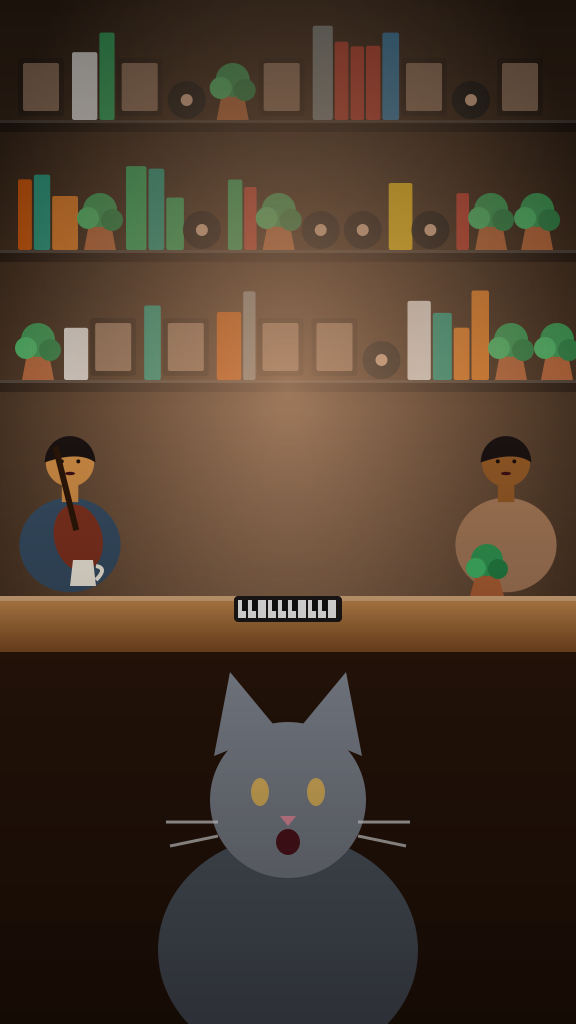
A cat needs no permission and no explanation, which makes it one of the most reliable ideas on the list. All three use Singing Cat Concert, which is built around a cat at the microphone; other animals are not covered yet.
- The cat at the desk. A cat that looks unbothered by everything is a natural. The less impressed they look, the better.
- The cat on a birthday. A photo from the day the cat got a new toy or a new bed makes a ready-made caption.
- The cat everyone in the group chat knows. If the group chat already has opinions about one cat, a fifteen-second concert needs no introduction.
For the photo, get close and get level with the cat's eyes. The photo guide has more on how to do that without a pocketful of treats.
Four ideas for fans and rivals
- Rival fans as a duo. Two supporters of opposing teams sit together convincingly in Harmony Pop Duet, one portrait each. The trick is that they are visibly not friends.
- The fantasy league commissioner. The person who sends the long messages gets Solo Soul Concert, where the confidence is a good match.
- The gaming squad. A screenshot-style group photo does not work. Use separate portraits of up to four people in Group Vocal Concert.
- The book club. A quiet group of readers goes well in Group Sing-Along, squeezed in with the keyboard in the corner.
Rivalries make good clips because the audience already has an opinion. Keep the tone affectionate and the target an adult who would laugh at it, not someone who would feel singled out.
Four ideas for celebrations
- The wedding party. A photo of the wedding party on the steps becomes a line-up sharing the microphones in Group Vocal Concert. It works as an add-on to a thank-you message.
- A birthday surprise. For a friend with a milestone coming up, Solo Soul Concert delivers the lively version of "happy birthday" energy with an original tune.
- A retirement send-off. A long-serving colleague and their longest-standing teammate make a fine pair in Soul Duet. Share it in the card or at the farewell lunch.
- A leaving card for a flatmate. A relaxed photo from the last night in the flat, one portrait each, fits Harmony Pop Duet.
Celebration clips work best when the person has not seen them yet. Send the video as a surprise, and be ready to explain how it was made, because they will ask.
How to choose between the ideas
Ask three questions and the choice usually becomes obvious.
- Who will laugh hardest? Start from the viewer, not the tool.
- Do I have a good photo? A great idea with a poor picture is worse than a decent idea with a sharp one. Check the best photos for Tiny Desk AI before committing.
- Is everyone in it comfortable? Anyone recognisable in the photo should know about the clip and be happy with it.
Once you have your idea, the walkthrough for making a Tiny Desk AI video covers the exact steps. Each video costs 1 credit, and the packs are on the pricing page. Ready to go? Open the generator and pick a template.
Remember the basics: adults and cats only, no children, no public figures, and a label saying the clip is AI-generated when you post it.
Questions people ask
What are the best Tiny Desk AI ideas for a first video?
Start with a friend, a pet or a work team, because the audience already knows the subject. A cat in Singing Cat Concert or a best friend in Solo Soul Concert is easy to caption and quick to share.
Can I put my boss or teacher in a video?
Only with their permission. Show them the idea first, and only post if they are happy with it. Never use someone who has not agreed.
Do group ideas need several photos?
Not necessarily. The group templates can take one photo that contains all the people, or you can add up to five separate portraits in order, and the two duet templates take one portrait for each singer. Choose pictures where every face is clear and nobody is hidden.
Can I use a photo of a celebrity as a joke?
No. Celebrities and public figures are not allowed, and neither are photos of children. Stick to yourself, friends, family and your cat.
Which idea works best for pets?
Singing Cat Concert is built for cats, so a cat is the safe choice today. Dogs, birds and other animals are not covered yet and may not keep their look. A close, level, well-lit photo of the cat makes the biggest difference.
How many ideas can I try with one photo?
As many as you like, one generation at a time. Each uses 1 credit, so test the template you think fits best first.
Updated October 27, 2026
Open the generatorMake Your Own Tiny Desk AI Video
Choose your photos and a template to make your own desk concert.
Start with your photos