01
Solo Soul Concert
Photo
Turn your photos into a 15-second AI desk concert with a band and generated music. Choose from 7 templates, add your cast, and download a 720p video in 9:16 or 16:9.
One-time credit packs. No subscription.
Signed-in photos upload when selected. We correct orientation and resize large photos before uploading. No credits are used until you generate.
Upload one portrait per labeled role, in order. Left and right are from the viewer's perspective. Only the first photo is required; unfilled roles are generated automatically.
Sign-in required · 1 credit per video · Packs from $9.99
7 templates
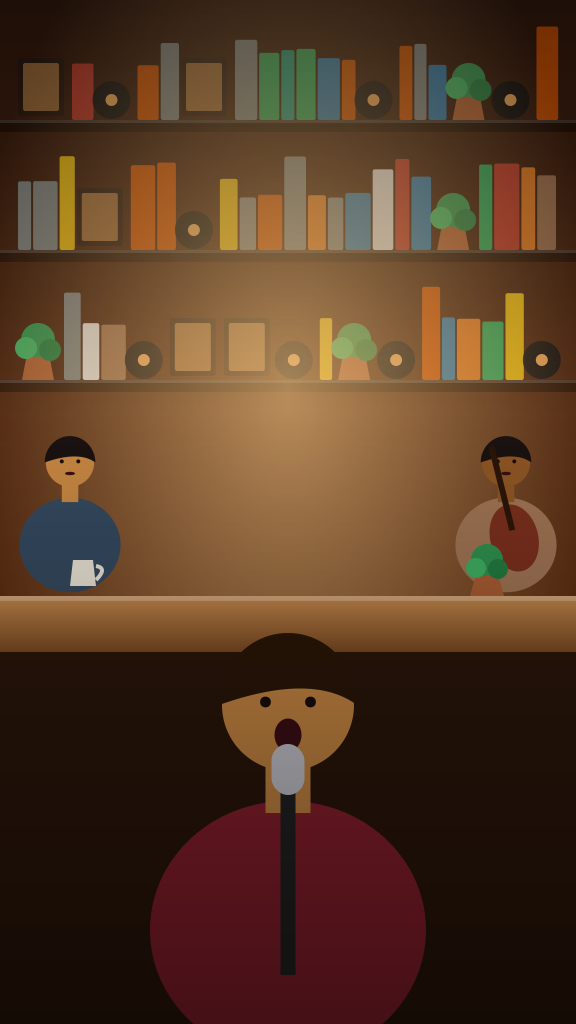
Every clip below was made from the photo on its corner. Pick the closest template and make yours.
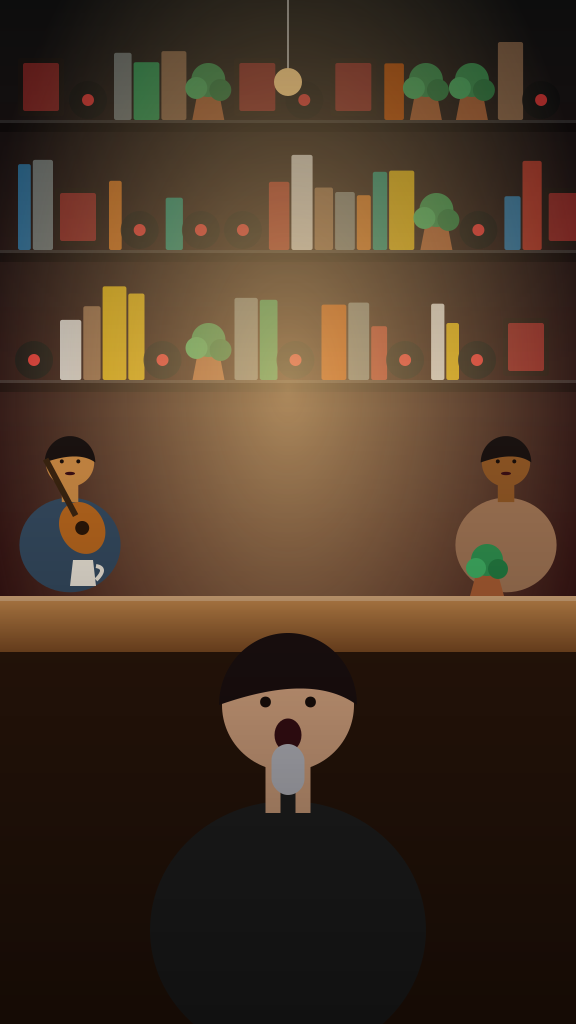
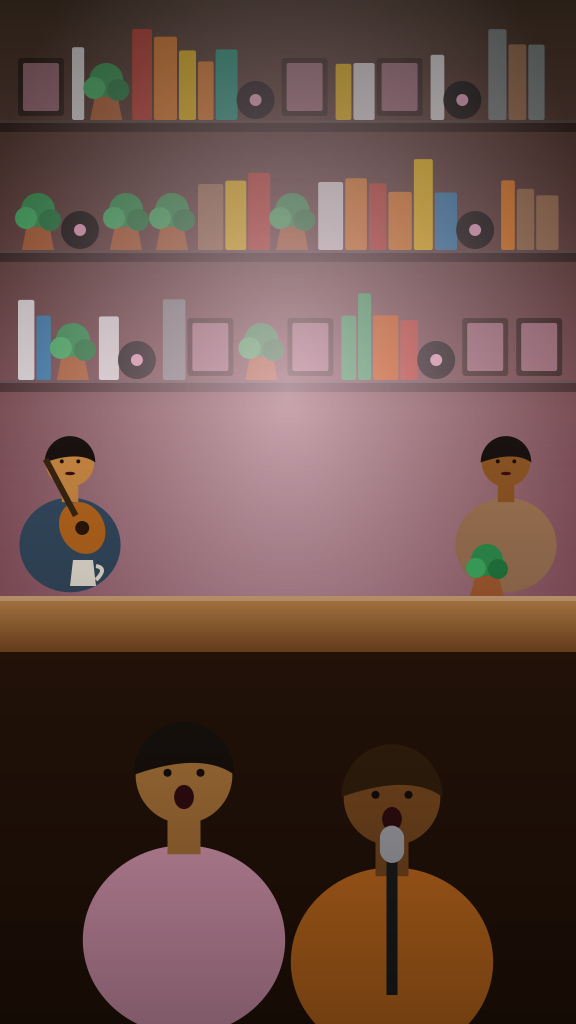
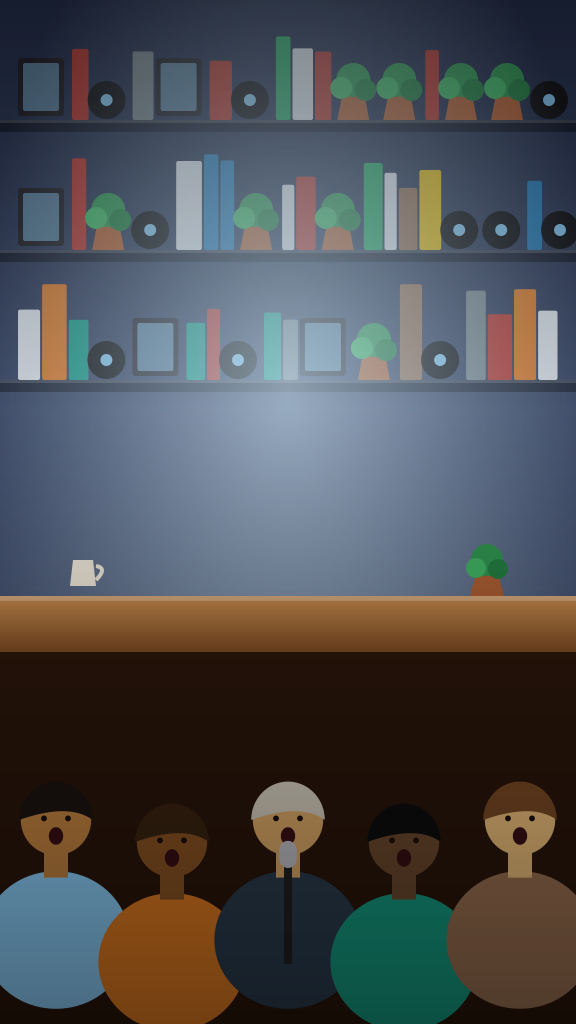
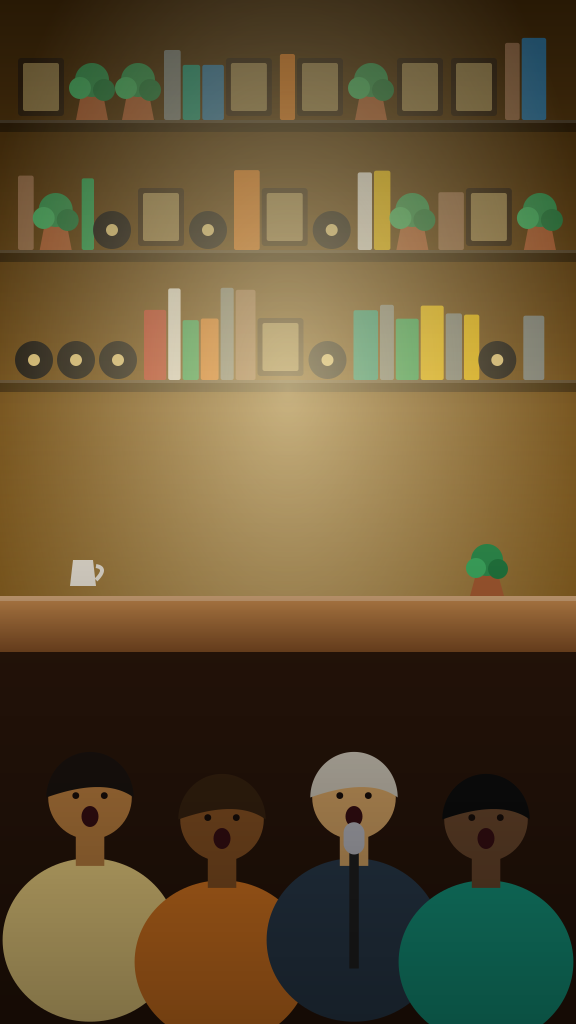
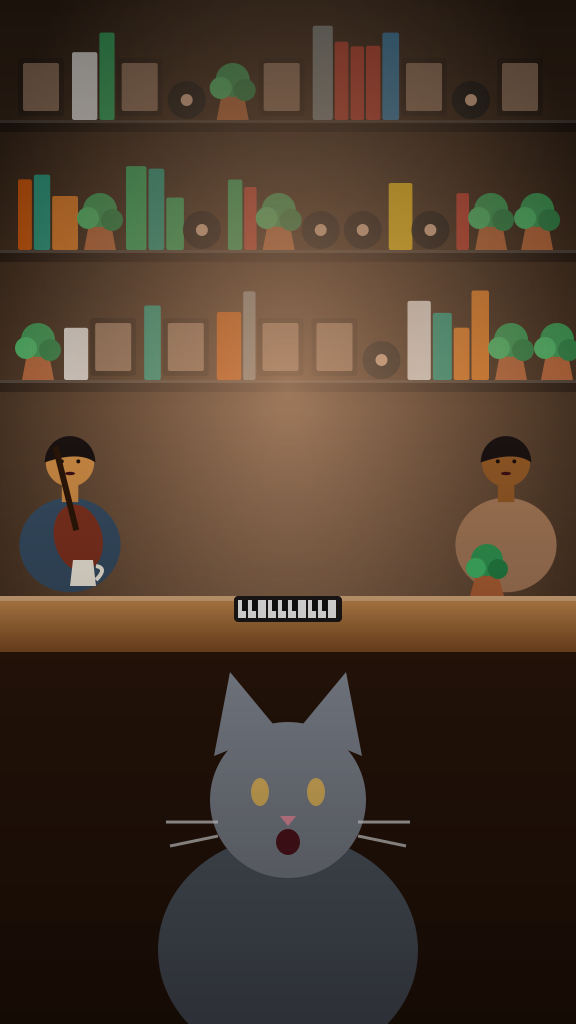
Each clip was made from the photo shown on it. Your video is generated from your own photos and will look different.
Try it with your photosPick one of the 7 templates and a size, 9:16 or 16:9. The template sets the band, the room and the song.
Sign in first, then add one clear portrait per labeled role in the selected template, in slot order. Only the first photo is required, except for duets, which require two. Unfilled roles are generated automatically. Press Generate; the video costs one credit.
The fifteen-second clip lands in My videos in a few minutes. Download the MP4 and label it as AI-generated when you post it.
Ideas
Not sure who belongs behind the desk? The idea guide lists twenty options, from the group chat to the whole department.
Turn the department into a house band for a farewell, a product launch or the holiday party.
A fifteen-second serenade is a present that fits inside a text message.
Recast the team you just beat, or the one that beat you, as a smooth R&B quintet.
A cat at a vintage microphone is a surprisingly serious frontman. Use a sharp photo where it faces the camera.
Bring the family into a singalong, using a separate portrait for each labeled role.
Shelves, mugs, a plant and a desk lamp make a big voice feel even bigger. The templates keep the clutter and drop the stage lights.
The format is funniest and warmest when the singer is someone nobody expected at a microphone: a coworker, a grandparent, a cat.
Every clip carries a newly generated song instead of a licensed track, and the templates are designed to steer clear of existing songs, artist voices and broadcaster footage. AI output varies, so watch the result before you post it.
The template sets the band and the genre; your photo is the reference for who is singing. The generated face is meant to resemble the photo, but a likeness is not guaranteed. Use pictures of yourself or of people who said yes.
New to the format? The trend guide explains where the AI desk concert came from and why a small room makes a big voice feel bigger.
One clear, front-facing photo per person, in even light, with the eyes visible and the face large in the frame.
The photo guide covers framing, glasses, groups and pets in detail.Leave out pictures of children, crowds, heavy filters and anyone who has not agreed to appear.
Your photos are used only to make your video, and the song is generated fresh for every clip.
Say the clip is AI-generated when you post it, and only use people who agreed to be in it.
Video packs
One video costs one credit, whichever template you choose. Every pack is a one-time payment and unused credits never expire.
One finished clip, ready to post.
Enough to try a few templates on the same photos and keep the best take.
A clip for every friend, pet and teammate, with credits left over.
Every pack: 1 credit = 1 video in any template and size (15 seconds, 720p), downloadable as an MP4. Failed generations return their credit, and unused credits never expire.
See the video packsCreating an account is free, but each video costs one credit. Packs are one-time payments listed on the pricing page, and a failed generation returns its credit automatically.
Every clip runs fifteen seconds at 720p, with sound, in vertical 9:16 or widescreen 16:9: you pick the size before you generate, and both cost one credit. It downloads as an MP4 from My videos, ready for TikTok, Reels, Shorts or YouTube.
Yes, if your pet is a cat. The pet template, Singing Cat Concert, is built around a cat at the microphone. Dogs and other animals are not covered yet, so their photos may not keep their look. A sharp, well-lit photo where the cat faces the camera gives the cleanest result.
No. This is an adults-only tool, and pictures of children cannot be used.
Not a public figure, and not anyone who has not agreed. Use photos of yourself or of people who said yes, and label the result as AI-generated.
No. Tiny Desk AI is an independent tool with no connection to NPR, Tiny Desk Concerts or any artist. The music is generated for each clip, and the templates are designed not to reuse existing recordings. More on what this site is.
Usually a few minutes. Your clip appears in My videos when it is ready, so you can close the page while it renders.
Use a clear, front-facing picture in daylight with the eyes visible and no heavy filter, one person per photo. Follow the role labels of your selected template; duets require two portraits. The photo guide shows what to aim for.
Yes, for personal use under the terms. Add an AI-generated label when you post, and only publish clips of people who agreed to appear. For inspiration, see ideas for who to put behind the desk.
It creates a new desk-concert video from your photos, with AI-generated music. It does not reproduce the original “Outstanding” recording or the NPR performance. To see how the meme started, read what the Tiny Desk AI trend is.
Choose your photos and a template to make your own desk concert.
Start with your photos