8 steps, start to finish
How to Make a Tiny Desk AI Video
To make a Tiny Desk AI video, choose a template on the home page, add one to five clear photos, confirm the 18+ and permission checkbox, press Generate, then download the finished MP4 from My videos. Every run produces a single 15-second video, 9:16 or 16:9, with a band, a room and an original song.
The whole process is eight short steps. Most of the time is spent waiting, not working, and the choices that matter most are the photos and the template.
What you need before you start
Gather four things first and the rest takes a few minutes.
| You need | Details |
|---|---|
| Photos | One to five JPG, PNG or WebP files, up to 10 MB each, one person (or a cat) per photo. Only the first photo is required, except for duets, which require exactly two portraits. Follow the labeled roles. |
| Permission | You must have the right to use the photo, and any recognisable adult in it should know about the clip. |
| An account | Sign-in with Google or email. Sign in before you add photos: pressing Generate while signed out sends you to sign-in, and you then add the photos again. |
| A credit | One generation uses 1 credit. See pricing for the one-time packs. |
If you are still deciding who the video should be about, the list of 20 ideas is a good place to look. If you already have candidates but are unsure which photo to use, read the photo guide first, because the photo has more influence on the result than anything else you will choose.
The eight steps
- Choose your photos. Pick pictures where the face is large, in focus and evenly lit. A plain background helps.
- Open the generator. It sits at the top of the home page, so there is nothing to install.
- Choose a template. Pick the one of the 7 that matches the number of people and the joke. The table in the next section shows what each one takes.
- Upload the photos. Drop in JPG, PNG or WebP files up to 10 MB each, lead singer first. When signed in, your photos are prepared and uploaded when selected. Wait for Uploaded before generating.
- Confirm the checkbox. The box states that you are 18 or older, that the photos are not of children and that you have the right to use them. It is required for every generation.
- Sign in and press Generate. If you are signed out, Generate takes you to the sign-in page and back to the tool, and the photos need to be added again. Once you are signed in, pressing Generate starts the job.
- Wait in My videos. The clip appears in My videos, under your account's settings. It usually takes a few minutes.
- Download the MP4. Open the finished video, check it and download it for posting.
A single generation produces exactly one video. If you want to compare two templates with the same photos, you run it twice and spend two credits.
Choosing the right template
The template is the second big decision. It controls the band, the room and the song. Each photo takes the singing or instrumental role labeled in the selected template.
| Template | What it takes | Best for |
|---|---|---|
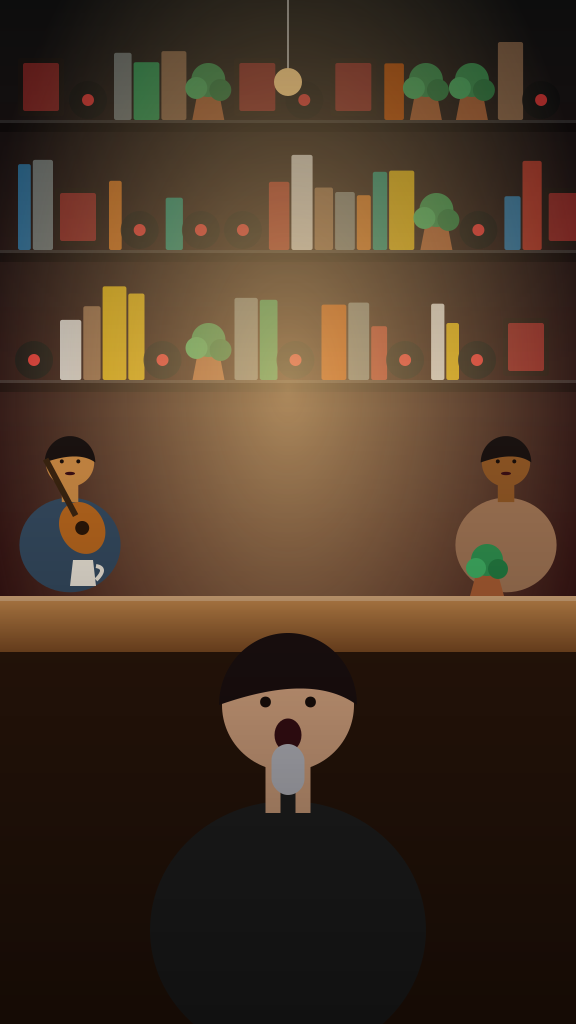
| Solo Soul Concert | Lead singer, acoustic guitarist, keyboardist, drummer (1 to 4 portraits) | One person: a friend, a boss, a grandparent |
| Solo Indie-Pop Concert | Lead singer, bassist, drummer, keyboardist (1 to 4 portraits) | Any single portrait, indoors or out |
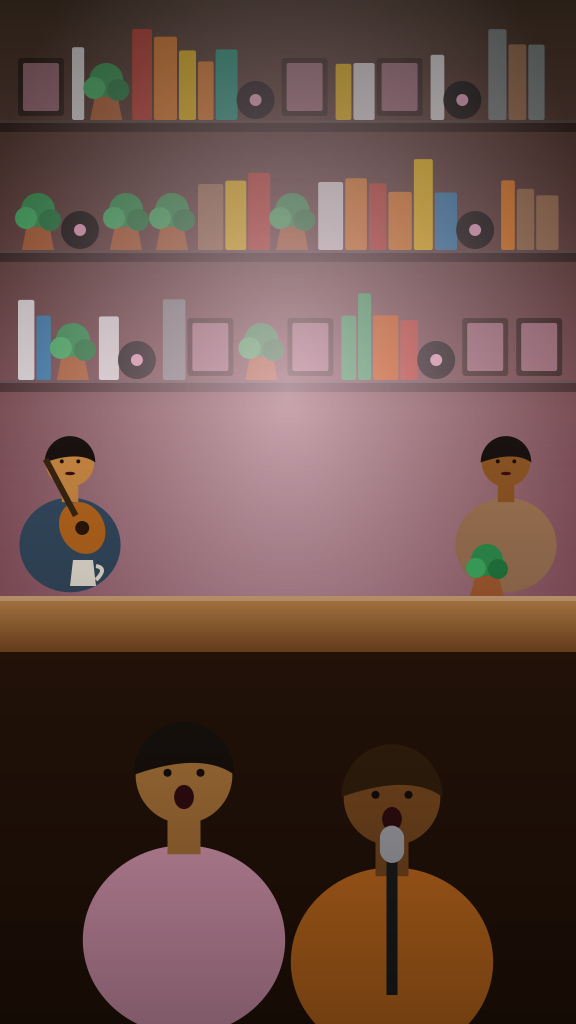
| Harmony Pop Duet | Exactly two portraits, one per singer | Best friends, couples, flatmates |
| Group Vocal Concert | Four singers from left to right, each holding a microphone (1 to 4 portraits) | Teams, squads, wedding parties |
| Group Sing-Along | Lead singer, three backing vocalists, saxophonist (1 to 5 portraits) | Families, clubs, larger friend groups |
| Soul Duet | Exactly two portraits | A second pairing, or a duet you want to compare |
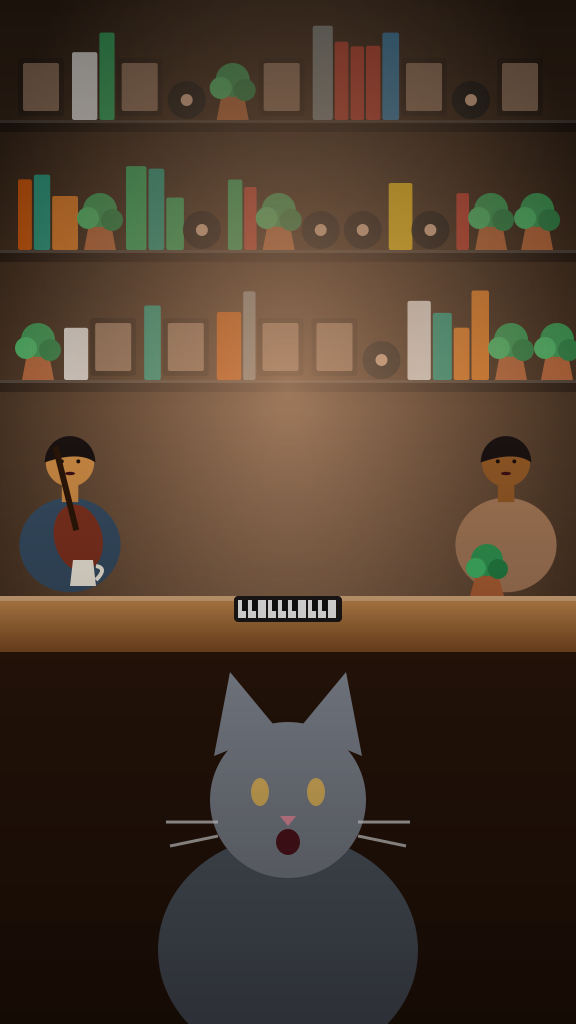
| Singing Cat Concert | Cat lead, acoustic guitarist, drummer, keyboardist (1 cat photo and up to 3 human portraits) | Cats; other animals are not covered yet |
The photo slots follow the labeled roles in the selected template, in upload order. Only the first is required, except on the duet templates, which ask for exactly two portraits. Choose pictures where every face is clearly visible. For a first try, Solo Soul Concert is a safe choice for a single person, and Harmony Pop Duet suits two.
After you press Generate
Your video appears in My videos when it is ready. Most clips finish within a few minutes, but the time can vary, so treat any estimate as a rough guide rather than a promise.
When the clip is ready:
- Watch it with the sound on. The audio is generated with the video, and it is half of the effect.
- Download the MP4. The file is 15 seconds, 720p, in the size you picked.
- Post it with a label. Mark it as AI-generated using the platform's setting or a line in your caption. On TikTok that is the AI-generated content label in the post settings.
If a generation fails, the credit is returned to your balance automatically. You do not need to contact anyone to get it back, and you can simply try again.
If the result is not what you hoped for
AI video varies from one run to the next. When a clip is close but not right, change one thing at a time.
- The face looks off. Try a sharper photo, with the face larger in the frame and facing the camera.
- The template feels wrong. Keep the photos and try another template that fits the head count. Each one has its own band, room and song, so the same face can read quite differently.
- A group looks crowded. Use a photo with fewer people, or switch to a duet template with two portraits.
- It does not look like the person. Avoid heavy filters, sunglasses and hats that hide the eyes.
For more on picking the picture, see the best photos for Tiny Desk AI, and for the background on why this format works, read the trend guide.
Cost and the rules to follow
Pricing is a one-time purchase. Nothing renews, and credits never expire.
| Pack | Price | Videos |
|---|---|---|
| Single Take | $9.99 | 1 |
| Encore Pack | $19.99 | 3 |
| Full Set | $29.99 | 5 |
Creating an account does not cost anything, but each generation costs 1 credit. Unused credits can be refunded within 14 days of purchase under the refund policy.
The rules are short: adults only, no photos of children, no celebrities or public figures, and no other people without their permission. Tiny Desk AI is independent and is not affiliated with NPR, Tiny Desk Concerts or any artist.
Questions people ask
How do I make a Tiny Desk AI video?
Open the generator on the home page, choose a template, upload one to five JPG, PNG or WebP photos up to 10 MB each, tick the confirmation box, press Generate and download the finished MP4 from My videos.
How long does it take to generate a video?
It usually takes a few minutes, though the time varies. The video appears in My videos when it is ready.
What happens if the generation fails?
The credit used for that generation is returned to your balance automatically. You can try again with the same photo or a different one.
Can I use more than one photo?
Yes. Follow the labeled roles, one portrait per role. Most templates take up to four photos, Group Sing-Along takes up to five, and duets require exactly two portraits.
When is my photo uploaded?
When you are signed in, selecting a photo starts preparation and upload automatically. Signed-out visitors see only a local preview. Video generation starts when you press Generate.
Do I need an account?
Yes. You sign in with Google or email before a video can be made, and the Generate button sends you to sign-in if you are signed out. Sign in first so you do not have to add your photos twice. See the pricing page for the credit packs.
Should I label the video as AI when I post it?
Yes. Say it is AI-generated in your caption or switch on the platform label. TikTok, for example, gives creators an AI-generated content label for realistic AI videos.
Sources
Facts on this page come from these sources. Links open in a new tab.
- New labels for disclosing AI-generated contentTikTok Newsroom · 2023-09-19
Updated October 27, 2026
Open the generatorMake Your Own Tiny Desk AI Video
Choose your photos and a template to make your own desk concert.
Start with your photos